
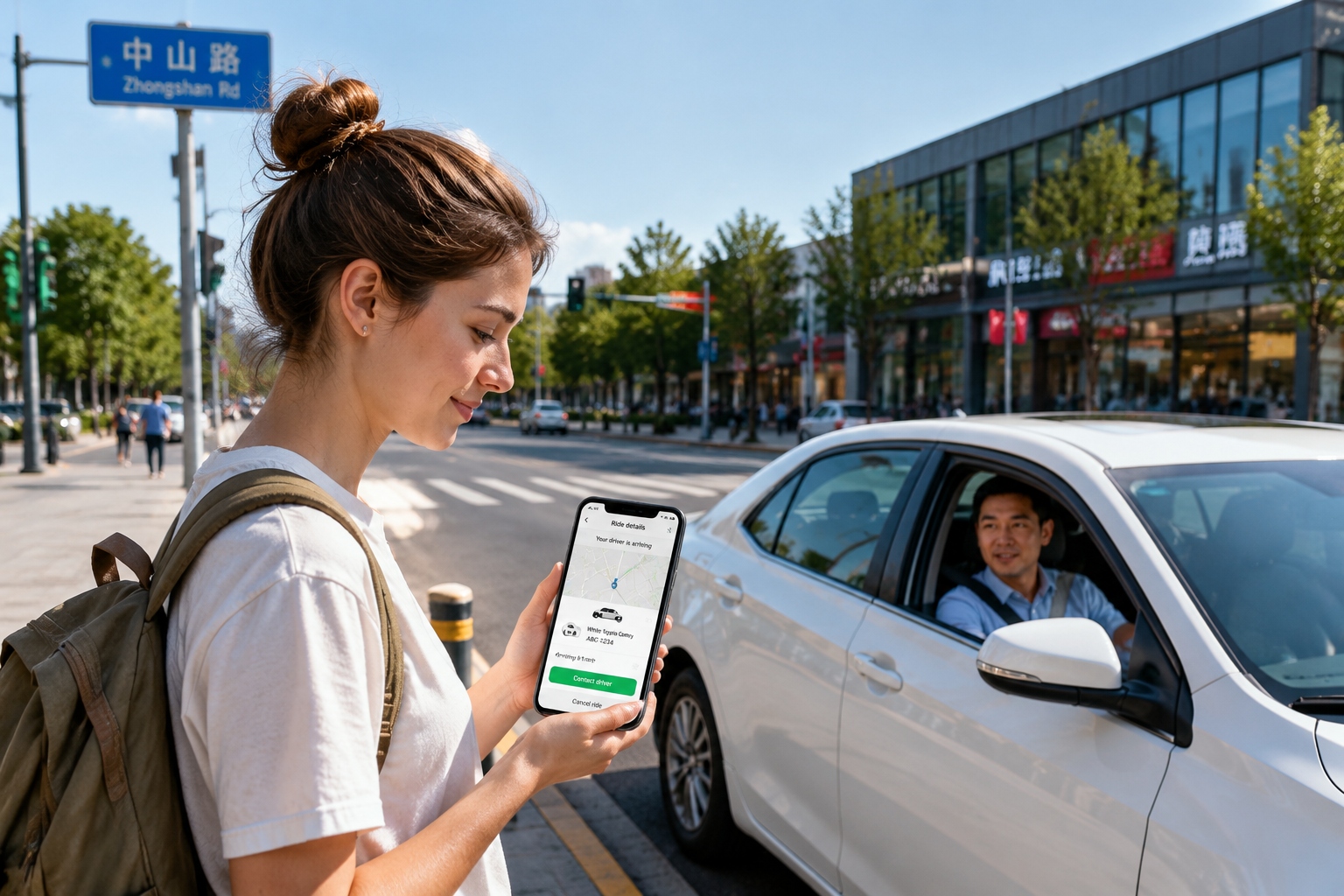

You’re standing outside a busy shopping street in Beijing. You need to get across town. A taxi pulls up, the driver rolls down the window, and asks you something in rapid Chinese. You shrug. He shrugs. He drives away. This is exactly how your first taxi adventure in China can end – unless you know a better way.
That better way is a ride-hailing app. In China, local services like Didi Chuxing are what most people use to get around. They are not just an alternative to taxis – they are often the smoothest option for anyone who doesn’t speak Chinese.
In this guide, you’ll learn how to download the app, switch it to English, book a car without typing a single Chinese character, pay from your home country card, and handle tricky moments on the road.
Why a ride-hailing app is the smart option
Chinese taxi drivers, especially outside the biggest tourist zones, usually don’t speak English. Their in-car GPS systems are in Chinese too. You have to tell them the address, hope they have change, and you often have no way to agree on the route.
Ride-hailing apps change the game. You set the address on your phone screen. The driver follows the map. The payment happens digitally. Your rating keeps things fair. And because the app includes a built-in translation tool, you can send a short English message that reaches the driver in Chinese.
The most popular app in China is Didi. It’s like the local Uber. Other options include Alibaba’s Amap and Meituan Taxi, but Didi covers nearly every city and is the most reliable for foreigners to set up. For a typical non-Chinese-speaking visitor, Didi will be your go-to.
Downloading Didi and switching to English
Before your trip, make sure the app is installed. On an iPhone, use the App Store; for Android, use the official site or a Chinese app store like Huawei AppGallery or Tencent MyApp. Search for “Didi” or “滴滴出行”. Once it’s opened, the interface might seem intimidating, but it only takes a few taps to get English.
- On the home screen, tap the profile icon in the top-left corner.
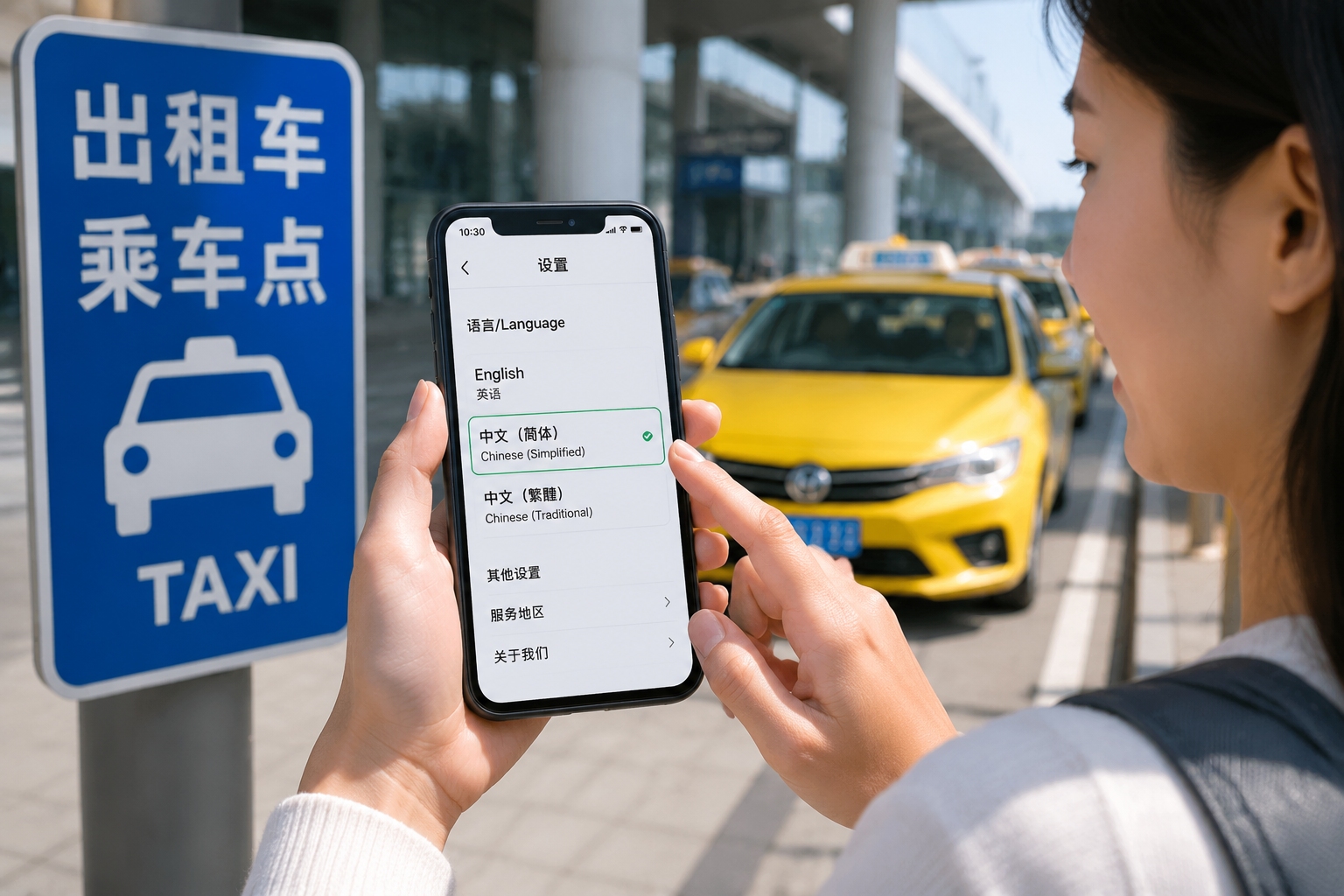
- Go to “Settings” and then “Language”.
- Choose “English”. The app will restart and now every menu is clear.
You will also need to register. Open the app and press “Log In/Sign Up”. Enter your mobile number and receive an SMS code as verification. A non-Chinese phone number generally works, but ensure it can receive messages. You can also log in with Alipay or WeChat if you happen to have them.
Booking a ride – step by step
Once the app is in English, it works almost exactly like Uber. You will see a map and a button that says “Where to?”
- Allow the app to know your location. A blue dot will appear at your current position. You can drag the pick-up location marker if you want to be picked up across the street or at a specific hotel entrance.
- Tap the “Where to?” search field and type your destination. Use English for famous landmarks and commercial districts, such as “Tiananmen Square”, “Jing An Temple”, or “Shanghai Hongqiao Airport”. If no match appears, open another map app on your phone to search for the address in Chinese and copy the characters into Didi.
- Choose the kind of car you want. You’ll see options like “Express”, “Premier”, “Taxi” and more. For daily city trips, Express is the cheapest. If you carry luggage, pick a car type that mentions space and wait a little longer.
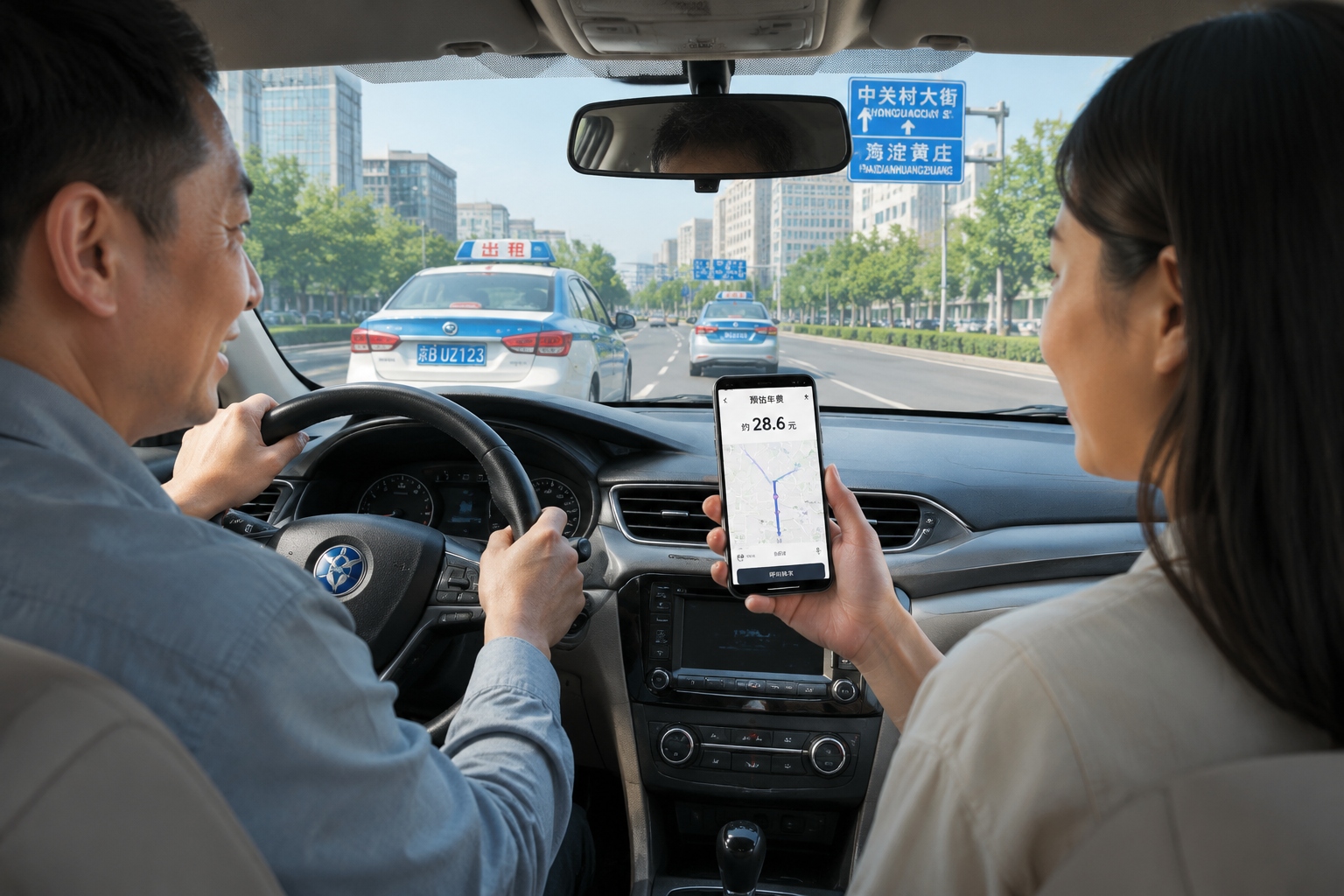
- Check the suggested price and estimated time before you confirm. Unlike many cities in the US, Chinese ride-hailing prices are often dynamic, and the app shows a range.
- Tap “Confirm”. The next screen shows your driver, car color, license plate, and how long they need to arrive. You can call or text the driver from here.
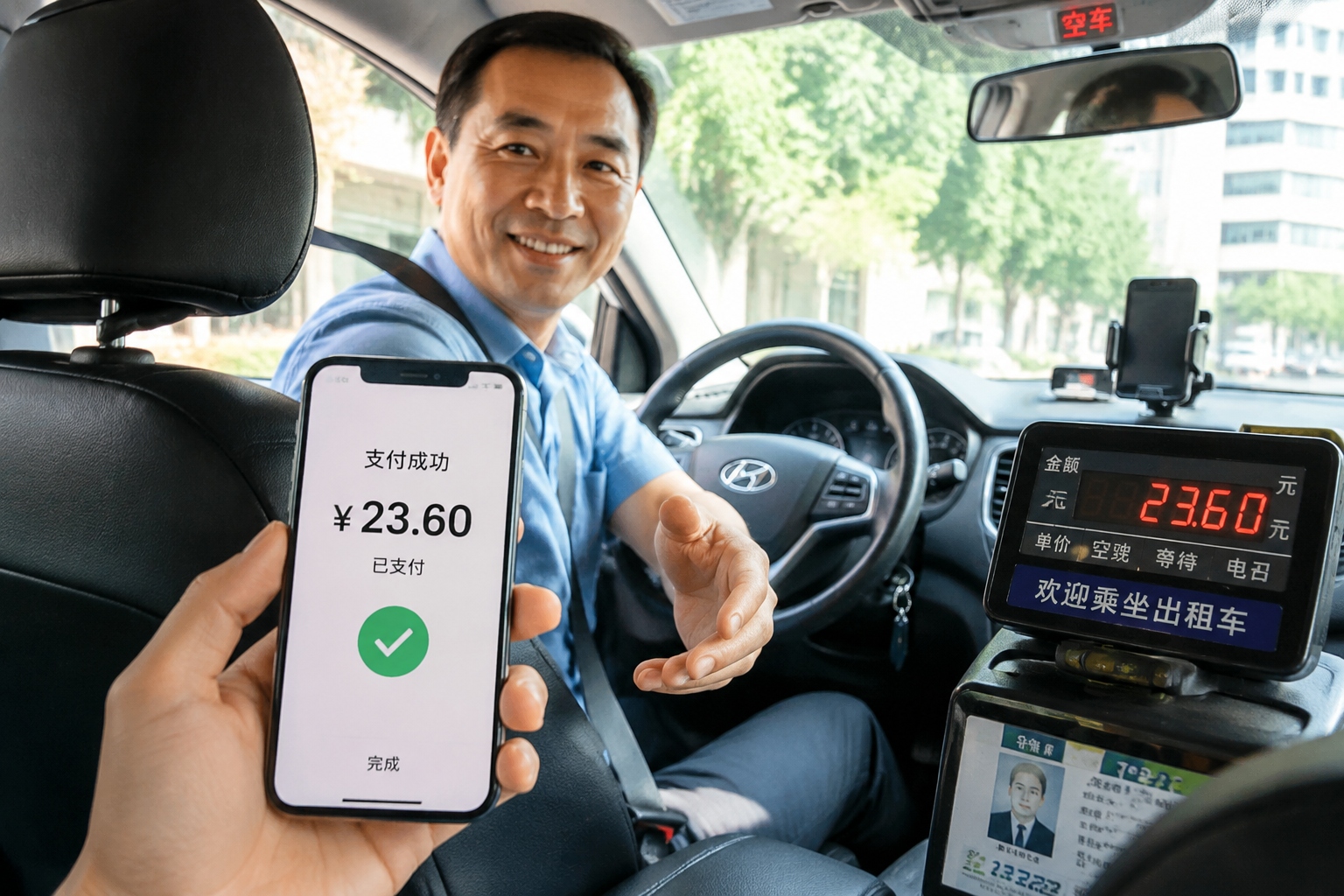
After the driver picks you up, the app shows your route. At the end, you arrive at your destination and get out. There is no need to take out your wallet because it will pay automatically if you’ve already set up a payment method.
Adding payment – no Chinese bank card needed
Cash is generally the worst option for taxi rides in China because drivers rarely have change for large notes and the app prioritizes mobile balance. But you can absolutely pay from your home country credit or debit card with a few simple steps.
Option 1: Link a foreign card to Alipay or WeChat Pay
Alipay and WeChat Pay are the standard mobile wallets in China. Both now allow foreign visitors to add Visa, Mastercard, American Express, or JCB cards. You can choose your country, link a card, and pay the CNY amount in real time. Once that’s set up, go back to Didi and under “Me” → “Payments”, choose Alipay or WeChat Pay as the default.
Option 2: Add a card directly in Didi
Didi supports international cards too. Go to the menu, select “Payments” and then “Add a payment method”. Enter your card number, expiry date and CVV. A small authorization charge may appear on your statement.
Option 3: Set up Didi wallet with a foreign card
Alternatively, you can load money into your Didi wallet from your foreign card in advance. That way the driver is paid from the prepaid balance, and you don’t need to fumble at the door. Some hotels and travel agencies in China also offer to help you make a Didi payment, but mobile payment is easier.
When the driver can’t find you, or you can’t communicate
Don’t panic. Didi was built for busy cities, and drivers meet foreigners every day. Still, here are the three most common moments that can go wrong and how to handle them.
Driver calls you and you cannot understand
Do not need to answer the call if you feel shaky. Open the in-app chat instead. There’s a button with a Chinese character and an English “Message” label. Tap a preset phrase or type in English, and the app auto-translates to Chinese for the driver. Common preset phrases include “I am by the main entrance” and “I’m right behind the bus stop”.
Driver is dropping you at the wrong place
The map usually solves this. When the trip ends, the driver stops at the marked point. If the destination is confusing because of multiple entrances, before you arrive, send a message like “Please turn into the underground parking lot” or “Wait until I appear from the lobby”. The app will often prompt your driving location? It does not translate speech, only text.
Parking is impossible and the driver asks you to walk to the car
If you see that the driver has a blue icon at a narrow lane, follow the building directions and walk to the car. You can also call the driver but hang up quickly if no voice; instead message “I am going to you”.
Should every emergency fail, use the “Help” button on the trip page or the customer support chat. It is available 24/7 and in English. Trips are tracked, and the support team can see your location. People also use local emergency number 110, but support is better before an accident.
App vs. street taxi: which should you choose?
If you’re already good at reading a map and carrying small cash, hailing a traditional taxi from a rank or the street can work. There is no surge pricing, but there is no way to plan ahead. You might wait in line at an airport hotel rather than having a car come to you. You can’t compare driver ratings, and you have no opportunity to communicate via text. The meter is still per kilometer plus waiting time, which is fine.
As a non-Chinese speaker, you’ll do much better with an app. You get price transparency, proof of route, rating protection, and a built-in translator for every odd situation. Most taxis in China are also hail-able through DiDi’s “Taxi” service, so you can still ride in a classic green or blue taxicab while enjoying all the reliability of a tech platform.
Final words
Using an app transforms the stress of car travel in China into a calm digital exchange. It doesn’t erase every language hurdle, but it removes the worst ones. With Didi in English, a payment wallet linked, and these five practical steps, you can move through Beijing, Shanghai or Chengdu with your own mobile driver.
Now go ahead and close the “no Chinese” anxiety – your next ride is about to become one tap away.
Start the discussion at forum.chinacomes.com