

Introduction: The New Normal of Chinese Expense Claims
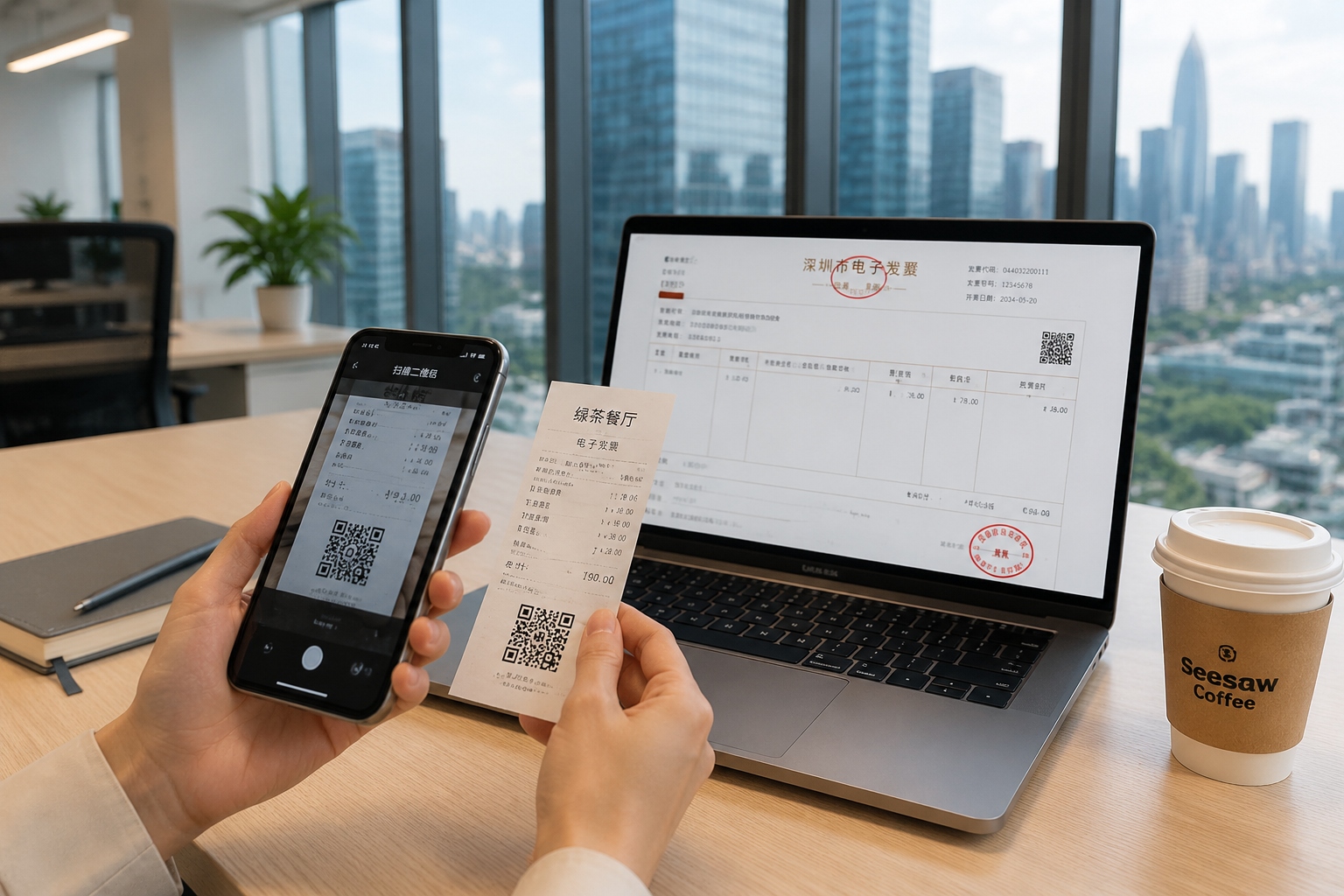
It starts with a QR code. You finish a business lunch in Shanghai, the waiter hands you a small receipt with a square barcode, and instead of a paper invoice, you scan it with your phone. Moments later, a digital document appears — an electronic special invoice, or dianzi zhuanpiao. For many expats working in China, this is both a convenience and a puzzle. How does this digital paper work? How do you claim it? And why does every finance colleague keep asking for your “tax number”? This guide picks up where the fapiao 101 primer left off, walking you through the finer points of fapiao types, electronic special invoices, reimbursement rules, and the unspoken expectations of Chinese finance teams.
Understanding Fapiao: Ordinary vs. Special Invoices
Before diving into the digital shift, it’s worth clarifying the two main types of fapiao (official tax invoices) that you’ll encounter in China. Both are issued by businesses and are essential for tax compliance, but they serve different purposes.
Ordinary Fapiao (putong fapiao)
Ordinary fapiao are the most common and are used for most consumer transactions. They come in paper or electronic form and are typically sufficient for expense reimbursement within a company. They do not allow the buyer to claim input VAT credits, but they serve as proof of purchase and are accepted by employers for most expense claims.
Special VAT Invoices (zengzhi shui zhuanpiao)
Special VAT invoices, often called zhuanpiao, are more powerful. They can be used by companies to deduct VAT on eligible purchases, which is why finance departments often request them for high-value business expenses such as hotel stays, transport, or corporate purchases. These invoices contain more detailed tax information, including the buyer’s tax identification number (TIN), and are subject to stricter controls. Historically, special VAT invoices were paper-only and required a company’s full tax registration details. Since 2020, China has been rolling out electronic special VAT invoices nationwide, making the process faster and easier.
The Rise of Electronic Special Invoices
The transition from paper to electronic special invoices is part of China’s broader push to digitize tax administration. For employees, this means less paperwork, no risk of losing a physical slip, and instant delivery. But it also introduces new steps: verifying the invoice online, storing the file properly, and understanding the e-invoice format.
How to Get an E-Invoice
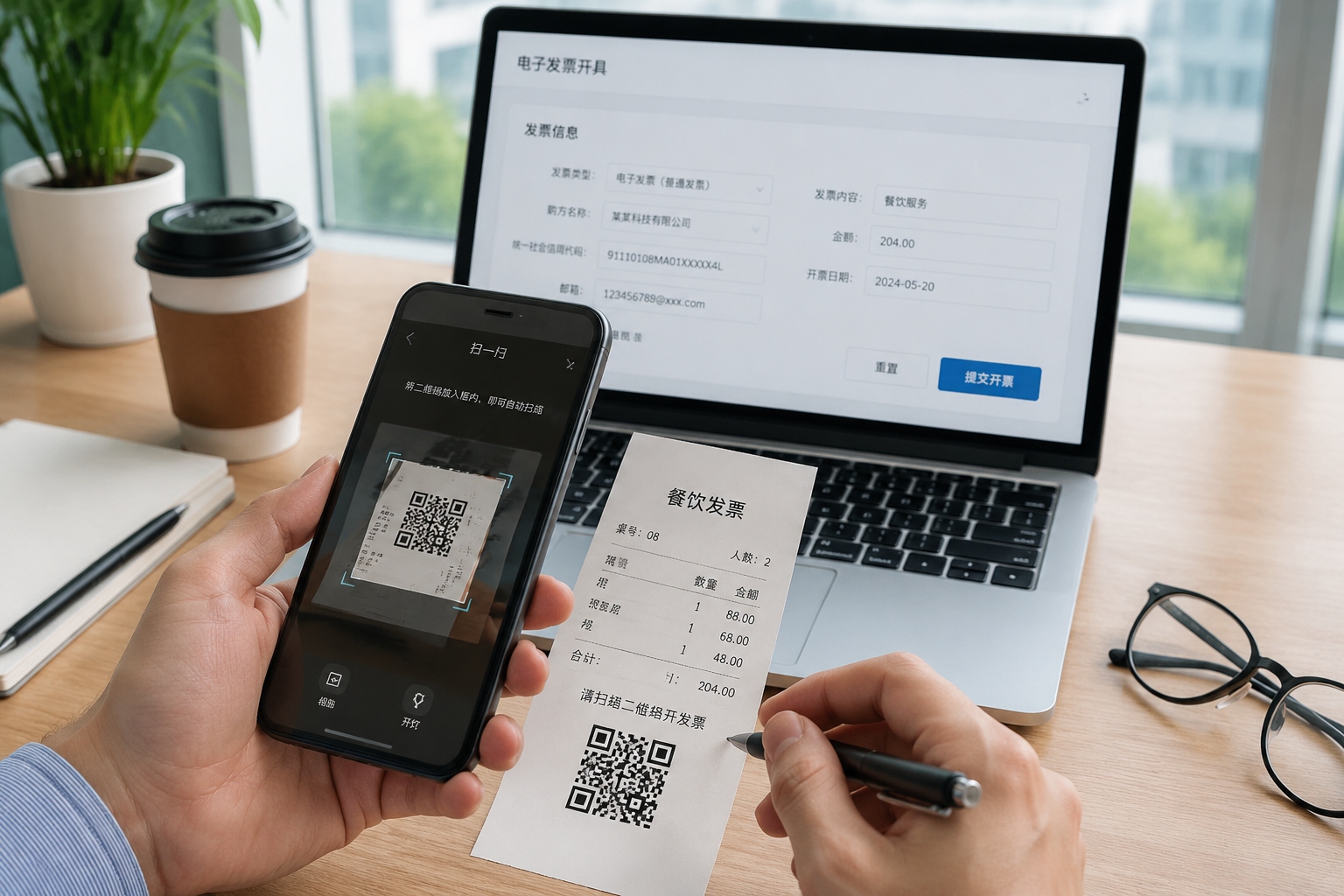
When you make an eligible business purchase, you can ask the merchant to issue an electronic special invoice. This usually involves providing your company’s full legal name and tax registration number (often called shui hao). The invoice is then sent digitally — via email, a mobile app, or a mini-program within China’s payment platforms. You can also download it directly from the merchant’s website or your company’s procurement system. Unlike paper invoices, an e-invoice cannot be physically damaged, and it arrives in your inbox in minutes.
How to Verify and Store E-Invoices
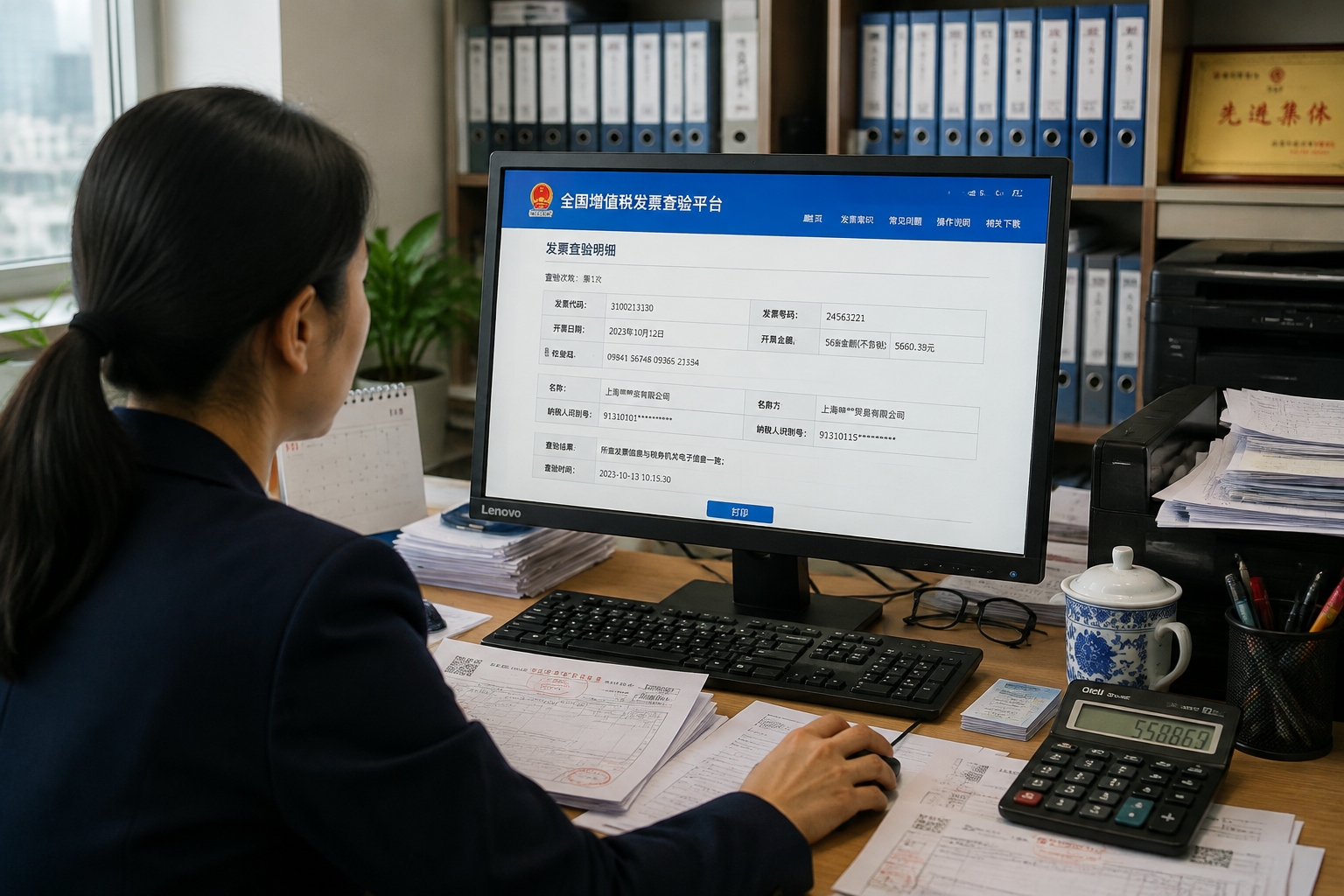
Verification is crucial. The official platform is the National VAT Invoice Verification Platform (via chinatax.gov.cn or the “税务发票查验” portal), where you can upload the invoice’s key details — including the invoice code, number, and the total amount — to confirm its authenticity. Your company’s finance team may also ask you to print a PDF or email the original XML file. Best practice is to save the digital file (usually PDF) and keep a backup, because once the reimbursement is processed, you’ll need to produce proof of the original invoice if any audit arises.
Tax Details That Matter in Reimbursement
Finance departments in China are strict about details. A single mismatch can delay or reject your reimbursement. Here’s what they check:
Company Name and TIN
Every invoice must show the full legal name of your employer (matching the business license) and the company’s taxpayer identification number. For foreign-run entities, this number starts with a 15-18 digit code issued by the tax bureau. If you accidentally use your own name or a nick name, the invoice will be rejected for corporate reimbursement.
Invoice Content
The goods or services listed on the fapiao must match the actual transaction. If you buy a laptop but the invoice says “office supplies” or “food,” questions will arise. The tax category code (categorized under the Goods and Services Tax classification) also matters; finance teams often map it to internal accounting codes. Always ask the merchant to issue the invoice with a description that matches the real purpose of the expense.
VAT Rate and Amount
The invoice shows the VAT rate applied, which can range from 1% for small-scale taxpayers to 13% for standard goods. The total amount (including tax) is what gets reimbursed. Make sure the final figure matches the exchange rate conversion if you’re dealing with foreign currency, but for local purchases it’s simply the RMB amount.
What Can Be Reimbursed and What Gets Rejected
Each company has its own internal policy, but the State Taxation Administration sets broad rules. Typically reimbursable items include: business travel (flights, trains, hotel), meals with clients, office supplies, technical equipment, and professional services. Items that often get rejected include: personal entertainment, gifts large enough to be considered bribes, non-official parking fines, and any expense without a valid fapiao. Also, be aware that expenses claimed on a per-diem basis may not require itemized fapiao, but any reimbursement tied to an invoice must be accompanied by a genuine one.
Common Reimbursement Pitfalls and Solutions
Even seasoned employees trip up. Here are frequent issues and how to avoid them:
Lost or Expired Invoices
Electronic invoices don’t expire, but paper ones should be submitted within a certain period (typically the same tax year, by the end of January of the following year). If you lose a paper invoice, you’ll need to ask the merchant to re-issue or provide proof of the lost original — often a hassle. The e-invoice version eliminates this risk, but saving a backup file is still necessary.
Mismatched Information
One typo in your company name or TIN can invalidate an invoice. Always double-check the details before you submit. If a correction is needed, ask the merchant to red-issue a new invoice and void the old one. For e-invoices, the original is automatically voided once a new version is issued.
Using a Personal Fapiao for Business
If your fapiao carries your personal name and TIN, your company probably won’t reimburse it — unless it’s a small payment under a low threshold. For larger purchases, always request the company’s details.
Tips for Foreign Employees
Foreign nationals face unique challenges when navigating China’s reimbursement system. Here’s how to stay ahead:
Your Personal ID vs. Company TIN
If a merchant insists on issuing an invoice to a private individual, you’ll need to provide your passport number for personal fapiao. But for company reimbursement, you must use the company’s TIN. Keep a digital note of your employer’s full legal name and TIN — you’ll use it constantly.
Language Barriers
Most fapiao are issued in Chinese, and the expense descriptions are in Chinese too. If you don’t read Chinese, ask the merchant to explain, or use translation apps to capture the key details. Your finance team can also help you interpret the invoice description.
Mobile Apps and Mini-Programs
Many expense claims now happen on platforms like WeChat or Alipay, where you can submit your e-invoice in minutes. Learn to navigate these tools with a colleague’s help once, and you’ll save time in every future claim.
Conclusion
The shift from paper fapiao to electronic special invoices is more than a technical upgrade — it’s a cultural change. It reflects China’s broader move toward efficiency and transparency. For the employee, it means fewer lost receipts and faster reimbursements. For the finance department, it means cleaner records and easier tax filing. Once you understand the essentials — the difference between ordinary and special invoices, how to verify an e-invoice, and why tax details matter — you’ll navigate the system with confidence. Next time someone hands you that QR code, you’ll know exactly what to do.
Start the discussion at forum.chinacomes.com