
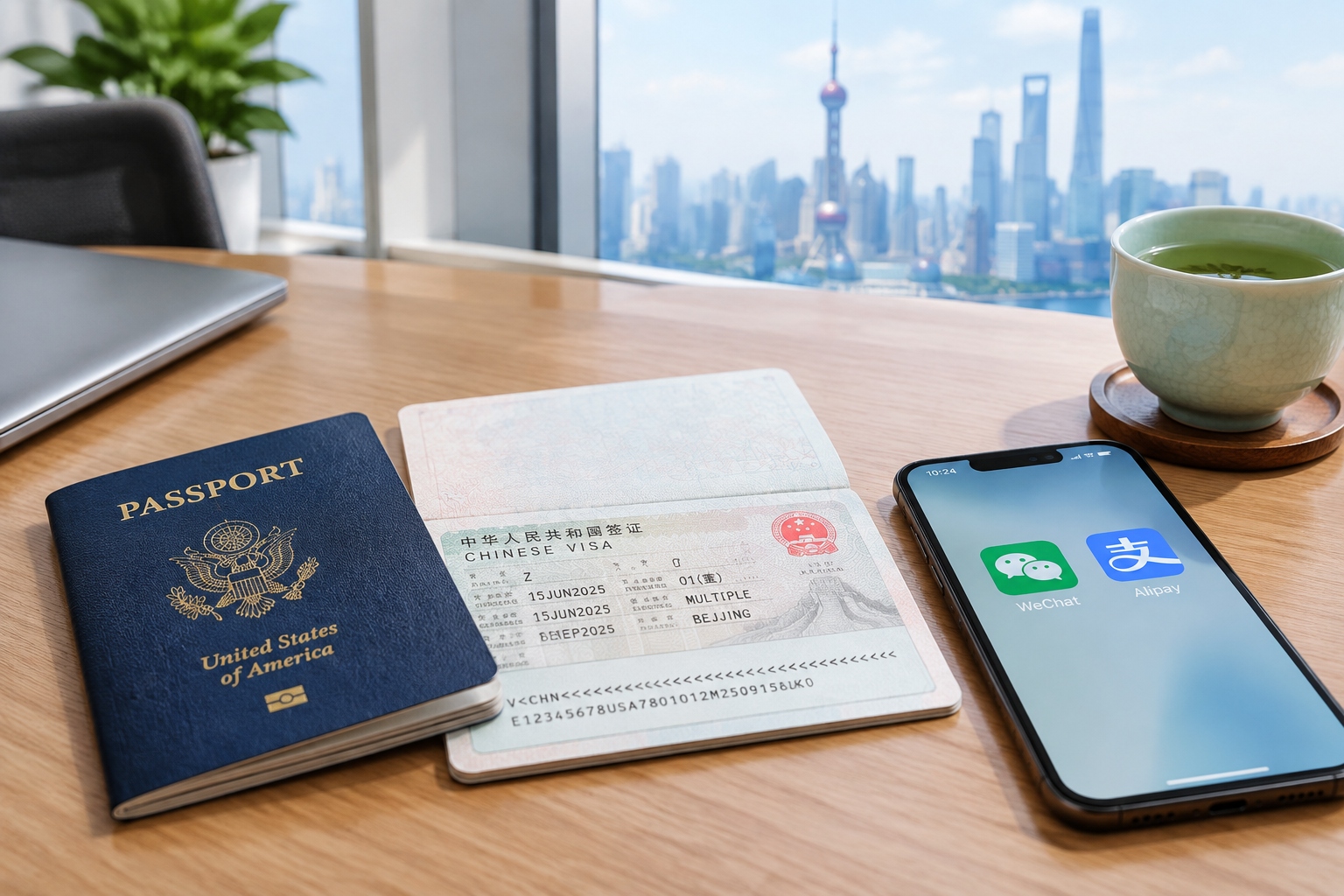

You step out of Beijing Capital International Airport, pull out your phone, and try to open Google Maps. Nothing. You tap Uber. Doesn’t connect. You duck into a convenience store and hand over your Visa card. The attendant smiles and points to a QR code on the counter. This is the reality for many first-time business visitors to China. But here’s the good news: once you know the right tools, the entire experience becomes surprisingly smooth. This toolkit walks you through the essentials — from getting your visa to setting up payments and staying connected.

Visa: Getting into China the Right Way
Let’s start with the document that gets you through the airport. For most business trips, you’ll need an M visa (trade and business visa). It usually allows a stay of up to 90 days, but the exact duration and number of entries depend on the Chinese embassy’s discretion.
Here’s a typical application process:
- Obtain an invitation letter from your Chinese host company or business partner. It must include your name, passport number, company name, the purpose of your trip, and the proposed visit dates.
- Fill out the online visa application form on the official China Visa Service Center website. Print and sign it.
- Gather your other documents: passport (at least 6 months’ validity, with blank visa pages), a passport-style photo that matches the required specifications, and sometimes proof of travel such as flight and hotel bookings.
- Submit your application at the Chinese embassy or visa center in your country. Some use third-party agencies to expedite the process, but that’s optional.
Processing generally takes four to seven working days. You can pay extra for express service if you’re in a hurry. Check the latest requirements on the official website or via the local Chinese embassy. They often change policies and fees, so confirm before you book flights.
Apps: Your Toolkit for Everyday Life
China has its own digital ecosystem. Google, Facebook, Instagram, and WhatsApp are blocked by the Great Firewall. Instead, the world runs on local alternatives. Download these before you board, or right after you land.
Maps and navigation: Amap / Baidu Maps
Google Maps doesn’t work properly in mainland China. Apple Maps uses Chinese map data and is passable, but locals rely on Amap (Gaode) or Baidu Maps. Both have English versions and give you accurate public transit, walking, driving, and even ride-hailing directions.
Getting around: Didi
China’s biggest ride-hailing app is Didi Chuxing. It works like Uber, and you can set the interface to English. Add your international card or pay with WeChat or Alipay. In major cities, you can also use Didi to book taxis without having to flag one down.
Messaging and business: WeChat
WeChat is much more than a chat app. It’s the connective tissue of professional and social life. Chinese colleagues will immediately suggest “let’s add WeChat” so they can share meeting notes, locations, or quick voice messages. Make sure you have WeChat installed and your profile is ready.
Food and translation: practical helpers
For translating menus or signs, Google Translate doesn’t work well without VPN, but you can download offline Chinese packs before you arrive. Microsoft Translator and Youdao are also reliable alternatives.
Food delivery apps like Meituan and Ele.me are widespread, but they typically require a Chinese phone number for SMS verification. Since many travelers don’t have one, it’s easier to dine out or use hotel restaurants. Still, if you’re staying a while, your Chinese host might be able to help you order.
Your VPN question
VPNs are officially restricted in China. While some travelers use them discreetly, the legal status is murky. If you want to stay 100% compliant, use a foreign SIM card with international roaming. Many expats find that with roaming, sites like Google and WhatsApp may work without a VPN, because the data routes through the overseas network. For work, the safest approach is to use tools that are allowed and accessible in China, like WeChat, DingTalk, or enterprise chat applications.

Payment: Mobile Wallet over Plastic
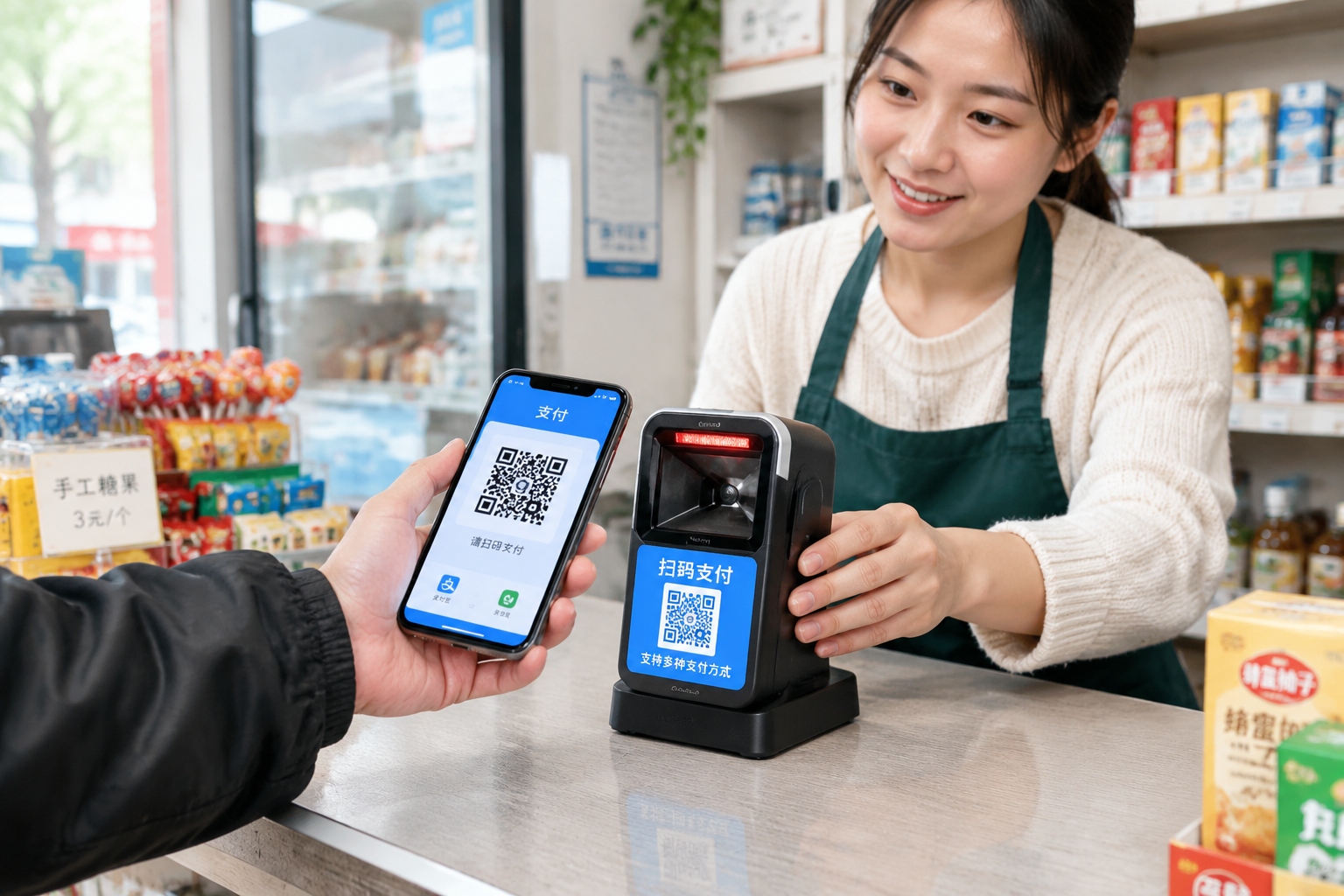
You’ll quickly see that cash and credit cards are not the primary ways Chinese people pay. The two dominant mobile wallets, Alipay and WeChat Pay, are accepted almost everywhere, from street vendors to luxury hotels.
As a visitor, you don’t need to open a Chinese bank account to use these. Here’s what to do:
Use Alipay with an international card
Alipay has made it incredibly easy for foreigners. Simply download Alipay, register with your foreign phone number, and link your Visa or Mastercard. The app has an English interface. There is a fee for transactions over ¥200 (about $30), but smaller payments are free. This is the most straightforward route for short business trips.
WeChat Pay: a workable alternative
WeChat Pay also allows foreign cards, but activation can be trickier. You may need a Chinese bank card or residential verification. For most visitors, Alipay is more practical. Note that many merchants display both Alipay and WeChat QR codes, so you can choose.
Cash and cards: safety nets
Cash is still legal and accepted, but you will sometimes see vendors who struggle to make change for large bills. International credit cards can be used at Western hotel chains and large malls, but not at smaller businesses. For ATM withdrawals, find a bank with the UnionPay logo, which accepts foreign cards. Let your home bank know you’re traveling to avoid card blocks.
When paying with your phone, you either scan the merchant’s QR code or let them scan yours. For official business expenses, ask for an invoice (fapiao). Electronic receipts can be emailed to you.
Communication: staying reachable in China
For business communication, the world looks different in China. Email and overseas collaboration tools like Slack and Microsoft Teams are sometimes slow or blocked. Instead, many Chinese companies use WeChat Work or DingTalk (Dingding). You can still use email — Gmail and Outlook generally work — but don’t be surprised if local colleagues reply via WeChat instantly while emails go unanswered for a day.
For video calls, WeChat video is a solid option for quick chats. For longer conferences with international clients, your Chinese counterpart might use Zoom. Zoom works fine on paid plans, but the free version may have restrictions. Your company VPN (if provided) might help bridge the gap, but check your company’s security policies.
One practical tip: make sure your phone can receive SMS verification codes. Many services require them to confirm your identity. Buy a local SIM card with your passport at the airport or from a China Mobile/Unicom shop. It’s cheap and gives you a local number for only a few RMB per month (prepaid options exist). You can also get a foreign eSIM for data while keeping your original number for calls.
Pro tips for a productive trip
These extra steps go a long way to smoothing your business visit:
- Pre-load offline maps: use Amap to download the map of the city you’ll be in. You won’t need a data connection to navigate.
- Carry a power bank: An 8-hour business day plus constant mobile payment can drain your phone.
- Get bilingual business cards: Have one side in English and the other in Chinese. This is a sign of respect and makes it easier for colleagues to remember you.
- Learn the etiquette: present your card with both hands and give the other person a few seconds to look it over. Avoid shoving it into a pocket.
- Plan around rush hour: In Beijing and Shanghai, traffic can be brutal. Use the subway — it’s fast, clean, and has English signs at every station.
- Stay adaptable: Meetings can be rescheduled quickly. Keep a loose schedule and stay flexible.
Conclusion: China is easier than it looks
Once you understand the relevant apps, payment methods, and communication protocols, China becomes an extremely convenient place to do business. The diversity of digital tools can feel overwhelming at first, but you’ll quickly get used to it. Follow this guide, and you’ll navigate your first business trip with confidence.
Start the discussion at forum.chinacomes.com