


The First Digital Shock
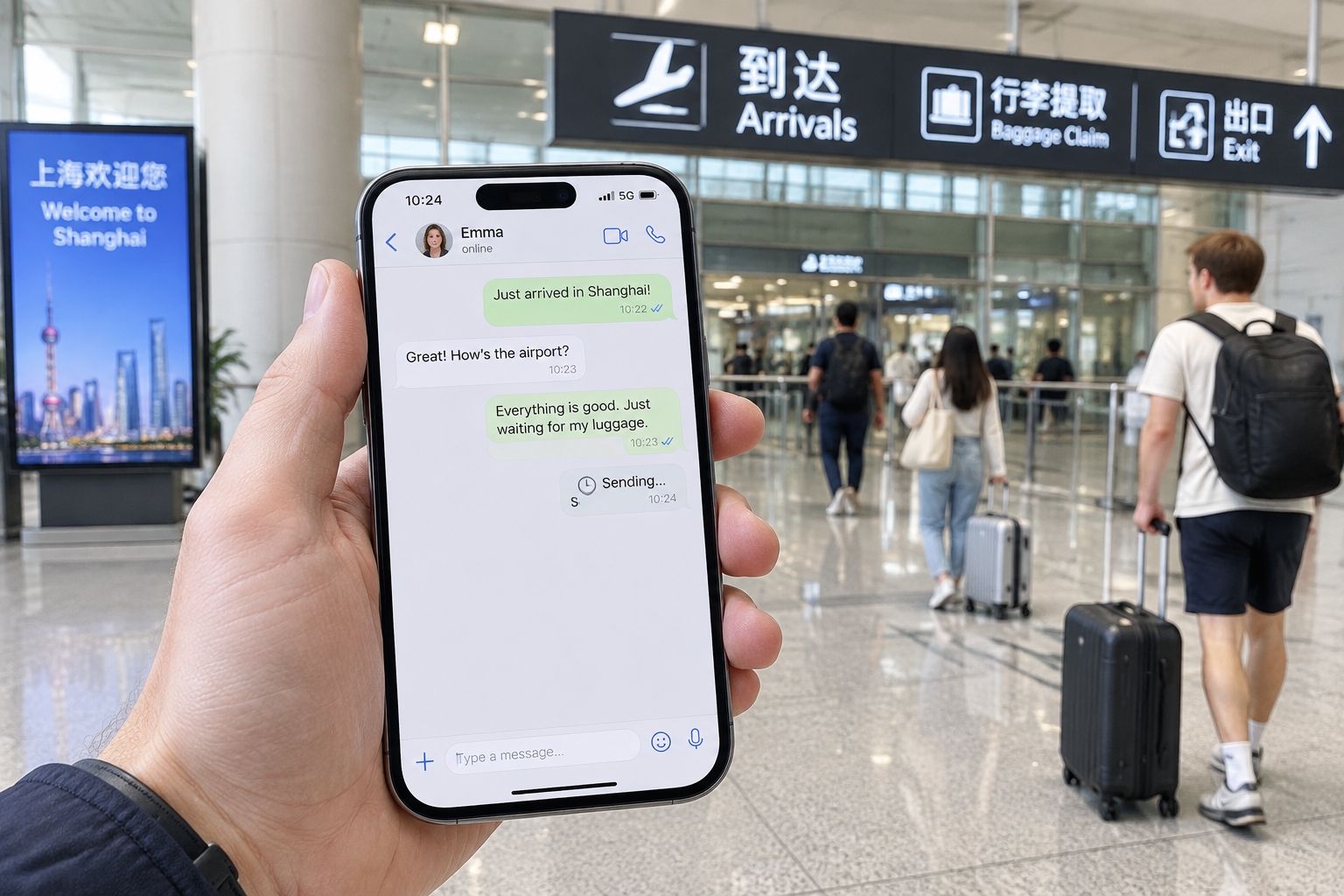
Landing in Shanghai for the first time, you do what you have done in a dozen other countries: pull out your phone to send a message to your family. The word ‘sending’ stays on the screen. Instagram keeps spinning. Google Maps refuses to load a single tile. Your phone shows full signal, but many apps you rely on back home suddenly stop talking to the outside world.
This is China’s internet environment. The country keeps its own digital borders, and a number of global platforms are hard to reach from domestic networks. For a foreign traveler, staying online takes a little more planning than just buying a plane ticket.
Everything below is based on first-hand experience living in Beijing and Shanghai, plus practical patterns shared by other travelers. Here is what you need to know before you land.
Your Connection Options: Roaming, Local SIM, or eSIM?
There are three primary ways to get mobile data on your phone in China. Each has pros and cons, and none alone solves the firewall question completely.
International roaming
If you keep your home SIM and activate roaming, your phone will connect through one of China’s state-owned mobile carriers. It is the simplest option: no new physical card, no Chinese text. Downsides are cost and the fact that your data traffic still leaves through Chinese infrastructure. Many international apps and websites may still fail to connect. Roaming solves the physical network issue, but it does not bypass regional internet filtering by default.
Local prepaid SIM card
For roughly 100 to 200 yuan (about $14 to $28), you can buy a prepaid SIM from China Unicom, China Telecom, or China Mobile at official airport counters or brand stores. Bring your passport, since registration requires real-name identification. You usually get 10 to 20 GB of data for one month, and 5G coverage in cities is excellent. The catch: a local SIM uses a Chinese IP address, so Google, Instagram, WhatsApp, and similar services remain blocked. Purchase logistics can also be slow, because some counters require a customer service employee to activate the plan. Allow an extra 20 minutes if you buy at the airport.
International eSIM for China
An eSIM replaces the physical SIM card. You scan a QR code and the data profile installs digitally. Several global eSIM brands sell short-term China plans, and you can set it up while still at home. Prices vary, but often fall between $20 and $60 for 10 to 20 days of data. One important caveat: read the fine print. Many eSIM vendors sign local roaming agreements with Chinese carriers, which means your traffic goes through the same filtered backbone. Some vendors route via servers outside mainland China, but not all are transparent about it. Treat eSIM as a convenient backup and a first-day lifeline, not as a guaranteed bypass for every blocked site.
Understanding China’s Internet Rules
China’s internet is not offline. It is a heavily filtered internet. The government legally blocks services and content that are considered threats to stability, competition for domestic platforms, or violations of local censorship rules.
Which global apps disappear
Commonly blocked services in mainland China include Google, Gmail, Instagram, Facebook, X (formerly Twitter), WhatsApp, YouTube, Telegram, and many international news outlets. Business tools that rely on these services also stop working. By contrast, WeChat, Alipay, Baidu, and Douyin run fast because their servers work inside the country. Some international apps, such as LinkedIn and Booking.com, maintain China-specific versions, though their features may differ from the global version.
VPN legality: what travelers need to know
Since 2017, Chinese regulations require any telecom provider that offers virtual private networking to hold government approval. Most commercial VPN products bought freely online are not licensed for use within China. Using one to reach blocked websites can be considered a violation of local telecommunications rules, regardless of your nationality. Enforcement usually targets resellers and larger businesses, but individual travelers have occasionally received warnings or fines. This guide does not encourage breaking any law. If you are on a business trip, ask your employer whether it provides a licensed international private line. If you are traveling on your own, weigh your options carefully and understand the regulatory environment before deciding.
VPN for China: What Actually Matters
Despite the legal complexity, many travelers still choose to carry a VPN. From a practical standpoint, some services work more reliably than others in China.

Do not assume your existing VPN will still work
Many mainstream VPN brands have China-compatible servers, but the filtering system tracks them closely and disrupts known protocols. A VPN that worked in China in 2022 may fail in 2025. The most reliable providers constantly update server addresses and use obfuscation, a technique that makes VPN traffic resemble ordinary web traffic. Look for ‘obfuscated servers’, ‘stealth mode’, or ‘scramble’ in the provider’s feature list.
Run a pre-flight test at home
Install and test all software before you board. Once you land, the provider’s website may be blocked, so simple actions like changing settings, downloading updates, or paying for a subscription become urgent tasks. Download the client, log in, and save backup configuration files. Make a list of servers in more than one nearby region, such as Hong Kong, Tokyo, Singapore, or Seoul. If one server fails, the next one in a different region may connect.
Connection habits matter
VPN connections in China are often unstable during evening peak hours across Asia. Do not quickly switch servers every time the connection slows, because reconnecting creates new handshakes that are easier to detect. If the connection drops, wait about one minute and reconnect to the same server. If that fails, change the connection protocol from UDP to TCP port 443, a method that many users find more stable inside China.
Public Wi-Fi, Hotels, and Airport Networks
If you have not bought a local data plan, public Wi-Fi in most large cities still does the job. Hotels, shopping malls, and cafés all offer free networks. The real friction is the login and authentication process.
Airport and train station Wi-Fi
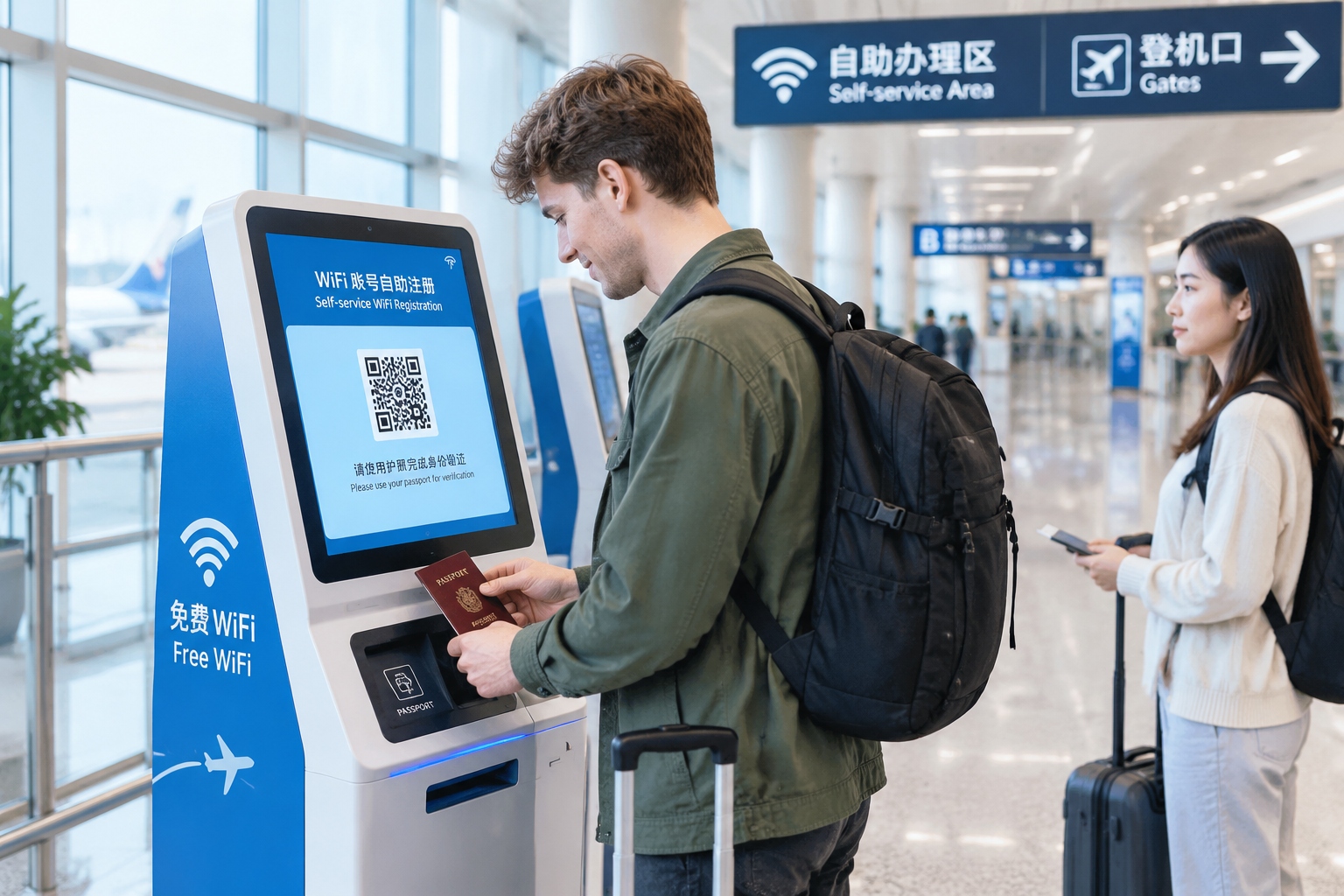
International airports in Beijing, Shanghai, and Guangzhou provide free Wi-Fi, but they usually require identity verification. Some terminals have self-service machines where you scan your passport to receive a temporary account. Others ask for your passport number plus a foreign mobile number to send a verification code. If your phone can receive international SMS, this works well. If not, ask a staff member at a tourist information desk for help.
Hotel and Airbnb Wi-Fi
Most mid-range and high-end hotels offer smooth Wi-Fi at 50 Mbps or higher. Budget hotels and serviced apartments may route international traffic through regional servers, causing slow video calls or timeouts. When booking, check recent comments that mention ‘international sites weak’, ‘streaming doesn’t work’, or ‘unstable Zoom’. If you rely on a particular platform for work, you need a backup plan.
Pocket Wi-Fi and travel routers
Travelers with several devices sometimes rent a pocket Wi-Fi router at home and insert a China data SIM inside. A dedicated router keeps the Wi-Fi connection independent of your phone’s SIM and reduces battery drain. It is particularly useful when your phone uses a foreign eSIM with a very small data allowance.
Common Connectivity Problems and Quick Fixes
- No signal in rural areas: Switch manually between China Mobile and China Unicom in the phone settings. Coverage varies by region, and the less popular carrier is sometimes better in remote towns.
- iMessage or FaceTime suddenly stops: This is often tied to the local IP address. Try turning iMessage off and on, or restart the phone to re-register through the available network.
- Google Maps is unusable: Download Amap (Gaode Maps) or use Apple Maps before you need them. They have better local data and their English interfaces are adequate for basic navigation.
- Apps load slowly after you insert a local SIM: Clear the cache and reboot. Mobile operators sometimes give a new DNS server address, and old cached data interferes with name resolution.
- VPN connects but keeps timing out: Change the protocol to TCP/443 if the app supports it, or enable an obfuscation setting. Try connecting to a less common server port if available.
- You need a Chinese phone number for public Wi-Fi verification: Tourist SIM cards usually include a phone number and short-term SMS capability. Consider buying one if you plan to stay more than five days, even if you have high data needs.
The Bottom Line
Staying connected in China is not as difficult as some headlines suggest, but it is different. The physical mobile network is fast, cheap, and wide. Public Wi-Fi exists in every major city. The real challenge is reaching certain global websites and services, and that is something each visitor has to consider within the country’s legal boundaries.
My practical advice: carry a local SIM or an eSIM plan for basic data, install WeChat and Alipay before you get on the plane, keep a backup to your home-country internet tools if you are comfortable with the legal scenario, and save critical account details on paper. No technology is completely reliable in every location. A layered plan is the only way to make sure you stay reachable from the moment you land.
Start the discussion at forum.chinacomes.com